
If you work in IT, you probably remember the wave of concern that followed the CentOS discontinuation announcement in 2020. For years, it had been the free and stable backbone of countless servers. Out of that crisis, however, two powerful alternatives were born; AlmaLinux and Rocky Linux. but the real question is which one deserves the top spot on your list. As someone who has worked extensively with these distributions for years, I want to walk you through a comprehensive guide. So stay with me at 1gbits as we help you find the right tool for your needs.
What Is AlmaLinux?
Let’s start with AlmaLinux. When Red Hat changed the direction of CentOS, the CloudLinux team, with many years of experience delivering optimized Linux distributions for the web hosting industry, rolled up their sleeves. They launched a project initially called “Project Lenix,” which was soon renamed AlmaLinux.
What set AlmaLinux apart from the very beginning was its governance structure. They did not want to build just another corporate product. For this reason, they established the AlmaLinux OS Foundation as a nonprofit organization under section 501(c)(6). This means that no single company, not even CloudLinux itself, owns the distribution, and decisions are made collectively with community participation.
The Strategic Shift of 2023: From Cloning to Smart Compatibility
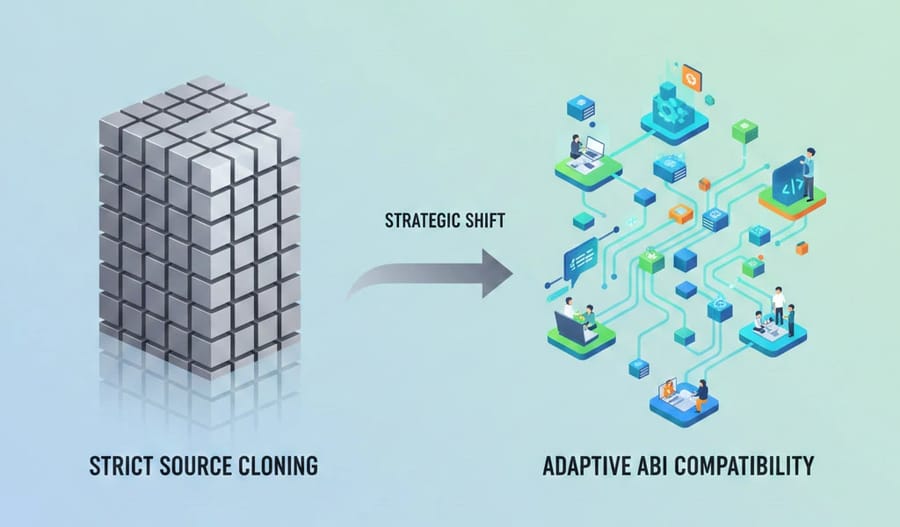
When Red Hat imposed restrictions on access to its source code, the AlmaLinux team made a bold decision. They announced that they would no longer aim for a line by line clone of RHEL. Instead, they would focus on ABI level compatibility, which stands for Application Binary Interface.
In simple terms, this means AlmaLinux guarantees that any software built for RHEL will run on AlmaLinux without issues, even though the underlying source code may not be 100 percent identical at every layer. This move gave them the flexibility to fix bugs that Red Hat had not yet addressed and to introduce features the community needed more quickly and independently.
If you’d like to explore AlmaLinux in more depth, take a closer look at What is AlmaLinux blog post and see how it fits into modern infrastructure strategies.
What Is Rocky Linux?
At the same time AlmaLinux was taking shape, Gregory Kurtzer, one of the original founders of the CentOS project, felt that the project’s original mission needed to be revived. He introduced Rocky Linux and named it in honor of Rocky McGaugh, the late co founder of CentOS.
From the first day until today, the philosophy of Rocky Linux has centered on one word, continuity. Kurtzer and his team wanted to create something that delivered exactly the same experience as the original CentOS. It would be a free, stable, one to one rebuild of RHEL that even replicates its bugs so that users notice no difference in system behavior.
Structure and Financial Support
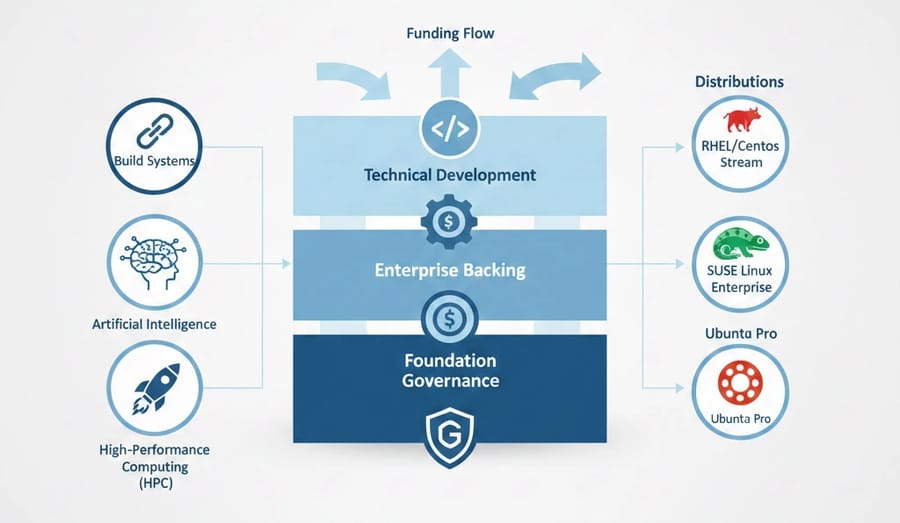
Rocky Linux operates under the oversight of the Rocky Enterprise Software Foundation, known as RESF. Although the foundation is presented as a community driven organization, it has strong ties to CIQ, the company owned by Kurtzer. While AlmaLinux receives around one million dollars annually from CloudLinux and other sponsors, Rocky Linux has secured an impressive twenty six million dollars in funding through CIQ and major partners.
This level of investment has allowed them to develop modern build systems such as Peridot and to focus heavily on areas including artificial intelligence and high performance computing, also known as HPC.
For a deeper introduction to its mission, structure, and real-world use cases, read What is Rocky Linux and get a clearer picture of how it can support your infrastructure goals.
A Detailed Feature Comparison: What Is Happening Beneath the Surface of These Two Rivals?
Let’s go deeper and take a more technical look at the story. First, take a look at the comparison table below to get a clearer picture:
|
Key Feature |
AlmaLinux (2026) |
Rocky Linux (2026) |
|
RHEL Compatibility Model |
ABI-level compatibility (functional compatibility) |
1:1 binary compatibility (bit-for-bit rebuild) |
|
Support Lifecycle |
10 years per major release |
10 years per major release |
|
Update Release Speed |
Very fast (typically < 24 hours after RHEL) |
Fast (occasionally a few days delay for validation/testing) |
|
Governance Model |
Non-profit foundation (501(c)(6)) with CloudLinux backing |
Rocky Enterprise Software Foundation (RESF) with CIQ backing |
|
Enterprise Support (SLA) |
Official commercial support via CloudLinux |
Commercial support via partners (e.g., CIQ) |
|
Build System |
ALBS (AlmaLinux Build System – transparent & community-driven) |
Peridot (cloud-native, modern build system) |
|
Migration Tool |
almalinux-deploy.sh |
migrate2rocky.sh |
|
ARM / Raspberry Pi Support |
Official and well-supported |
Limited / via specific images |
|
Market Focus |
Hosting providers, cloud platforms, enterprise environments |
HPC, AI workloads, enterprise infrastructure |
|
Notable Enterprise Adoption |
Used by CERN, Fermilab, hosting providers |
Strong focus in HPC and performance-driven environments |
On the surface, both distributions use DNF for package management, rely on XFS as the default file system, and secure the system with SELinux. The differences lie in engineering details.
Build Systems and Process Transparency
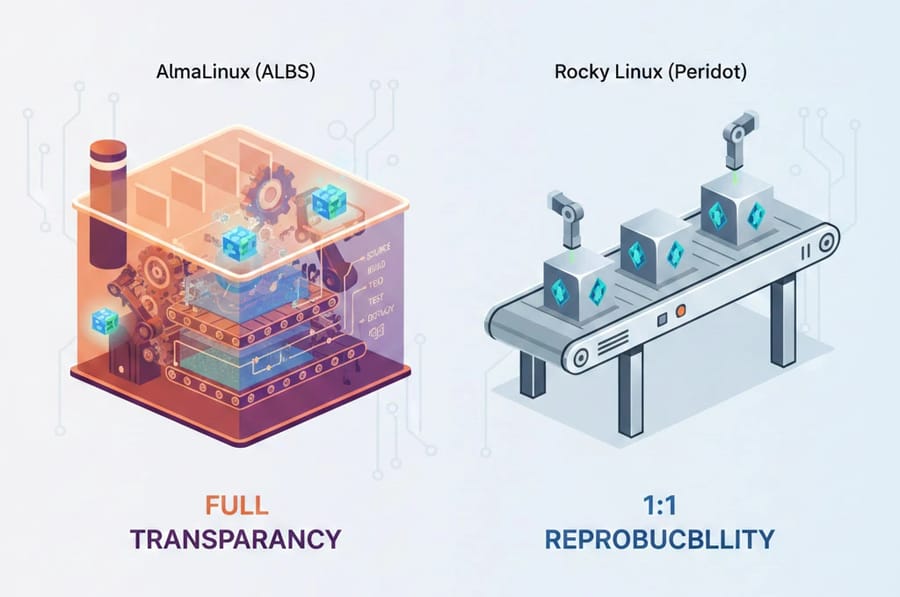
AlmaLinux uses a system called ALBS, which stands for AlmaLinux Build System. It is fully open source and auditable. You can see exactly how a software package is built.
Rocky Linux uses Peridot, a build system designed to accelerate the package production cycle while ensuring precise 1 to 1 compatibility. By 2026, both systems are mature and stable. However, AlmaLinux emphasizes process transparency, while Rocky Linux emphasizes output precision.
Support for Modern and Legacy Hardware
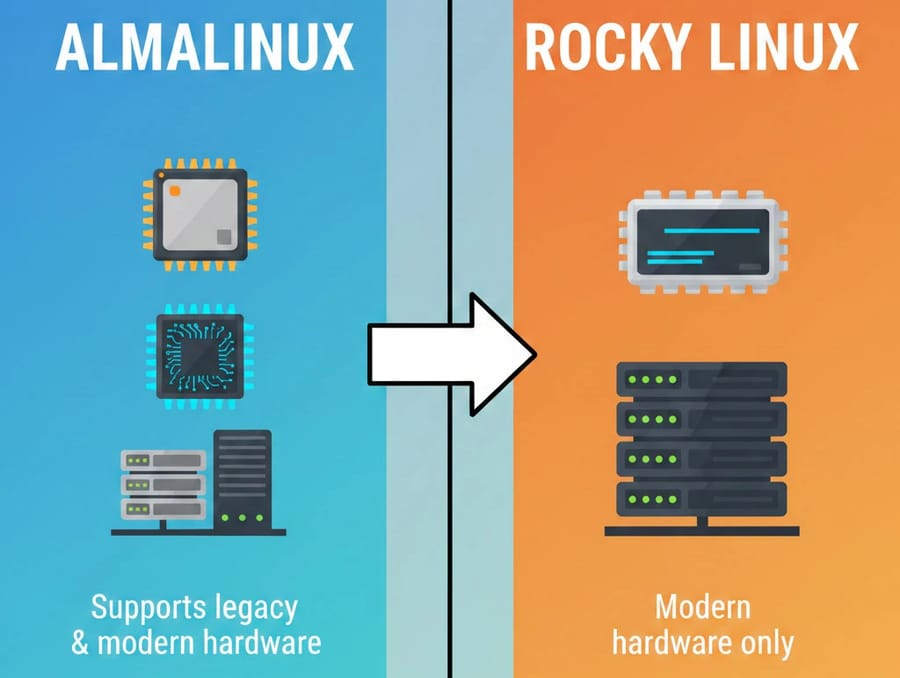
In benchmark tests conducted in 2025 and 2026, the performance difference between the two distributions is almost zero. However, this is where careful attention matters.
With RHEL 10, Red Hat raised the minimum CPU requirement to x86_64_v3. This typically means processors from 2015 onward, such as Intel Haswell and newer. If you still operate older but reliable servers, AlmaLinux offers a significant advantage. It provides special x86_64_v2 builds so that older hardware can continue running an enterprise Linux platform without being left behind.
Rocky Linux generally follows RHEL hardware standards more strictly.
Security and Standards
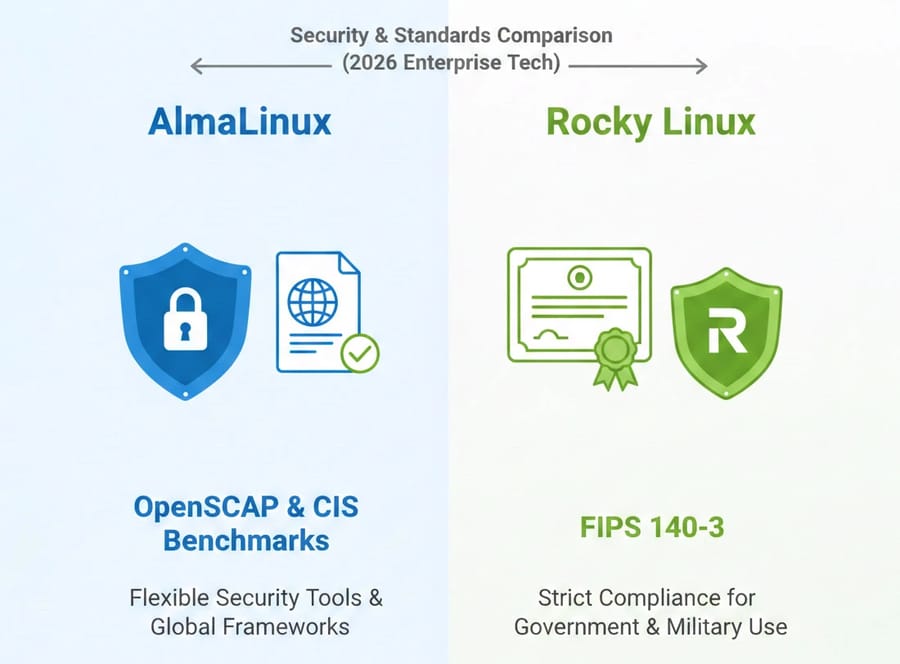
By 2026, both distributions meet very high security standards. AlmaLinux provides tools such as OpenSCAP and CIS Benchmarks to help you configure systems according to strict global security frameworks.
Rocky Linux has also invested heavily in FIPS 140-3 certification in recent years. This strengthens its position in government and military environments where formal compliance is critical.
Community and Support
Both projects have active communities and provide help through forums, social networks, and mailing lists. The main difference lies in the support model.
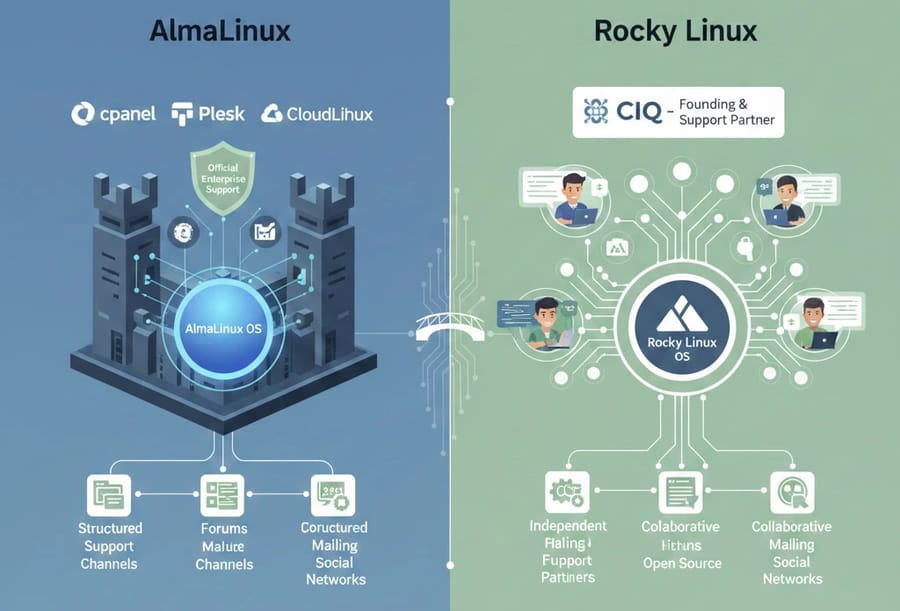
AlmaLinux benefits from direct backing by CloudLinux and offers official enterprise support with service level agreements. For this reason, platforms such as cPanel and Plesk have selected AlmaLinux as their official option. cPanel has discontinued support for Rocky Linux starting from version 134.
Rocky Linux is developed independently but offers reliable enterprise support through commercial partners such as CIQ.
Integration with the Enterprise Ecosystem
Because both distributions closely mirror RHEL, most enterprise software and platforms support them without requiring special modifications. Control panels such as cPanel and Plesk have introduced AlmaLinux as the standard CentOS replacement. From version 134 onward, cPanel no longer supports Rocky Linux.
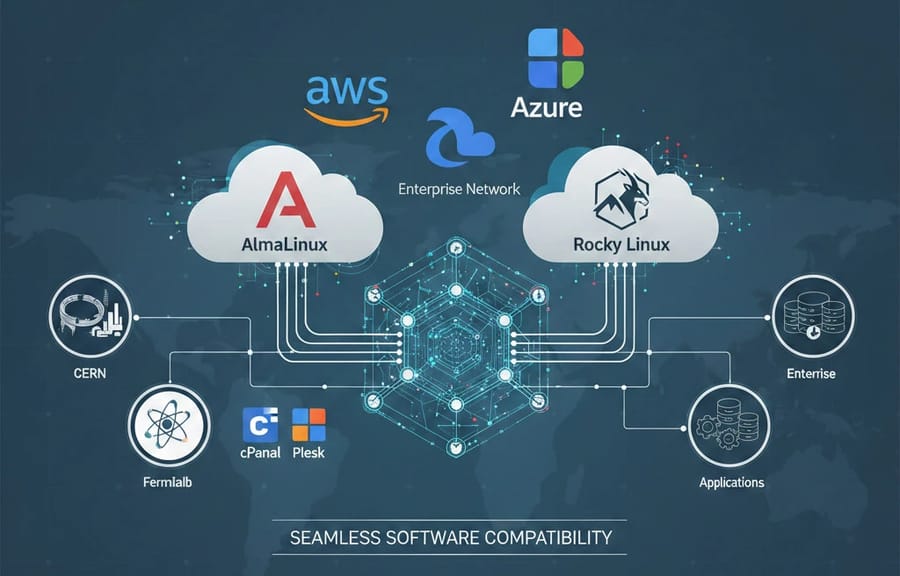
Major cloud providers such as AWS, Azure, and Google Cloud offer official images for both distributions. However, with institutions such as CERN and Fermilab adopting AlmaLinux, the distribution has gained stronger visibility in certain scientific and forward-looking enterprise projects.
Advantages and Disadvantages of Each Distribution
No operating system is perfect. Each of these two Linux distributions has strengths and weaknesses that may become more or less important depending on your specific needs.
Advantages and Disadvantages of AlmaLinux
The most important advantage of AlmaLinux is its backing by CloudLinux and its dedicated foundation. This translates into faster update delivery, well organized documentation, and straightforward access to commercial support.
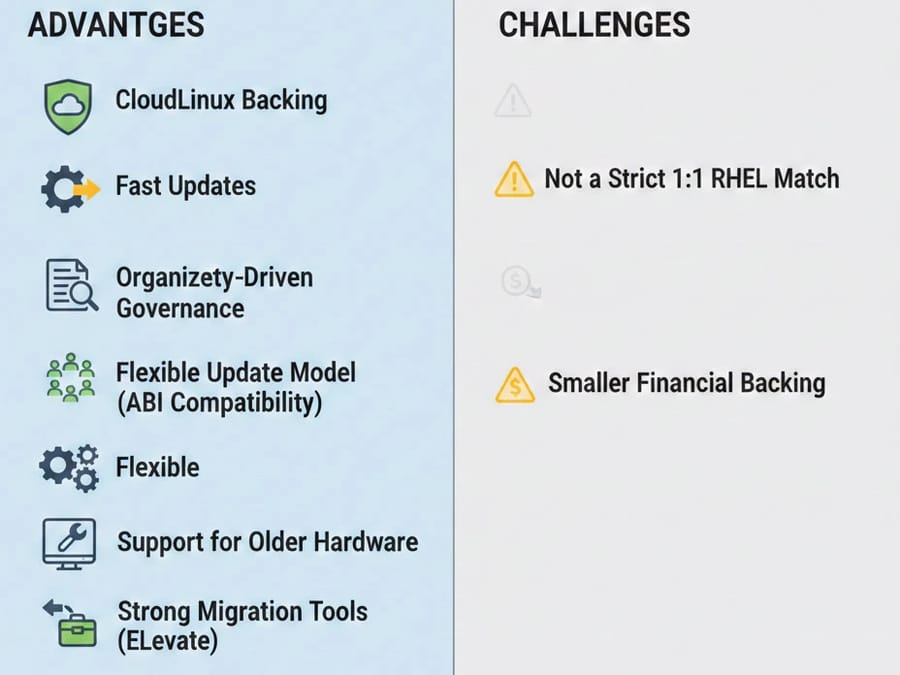
Other advantages include:
-
Truly community driven governance: No single company owns it, which provides reassurance about its long term future.
-
Flexible update model: The ABI compatibility approach allows security patches to be released, in some cases, even faster than Red Hat itself.
-
Support for older hardware: If you are running older generation servers, AlmaLinux can be an excellent choice.
-
Strong migration tools: The ELevate project has significantly simplified in place upgrades for system administrators.
At the same time, you should consider the following challenges:
-
Not a strict 1 to 1 binary match: If you require your operating system to be bit for bit identical to RHEL, the ABI model may not meet your expectations.
-
Smaller financial backing compared to heavily funded competitors: Although it has strong community support, its funding is more modest compared to large scale commercial investments.
In addition, if complete independence from major corporate influence is a priority for you, you may view CloudLinux’s strategic influence as a potential drawback.
Advantages and Disadvantages of Rocky Linux
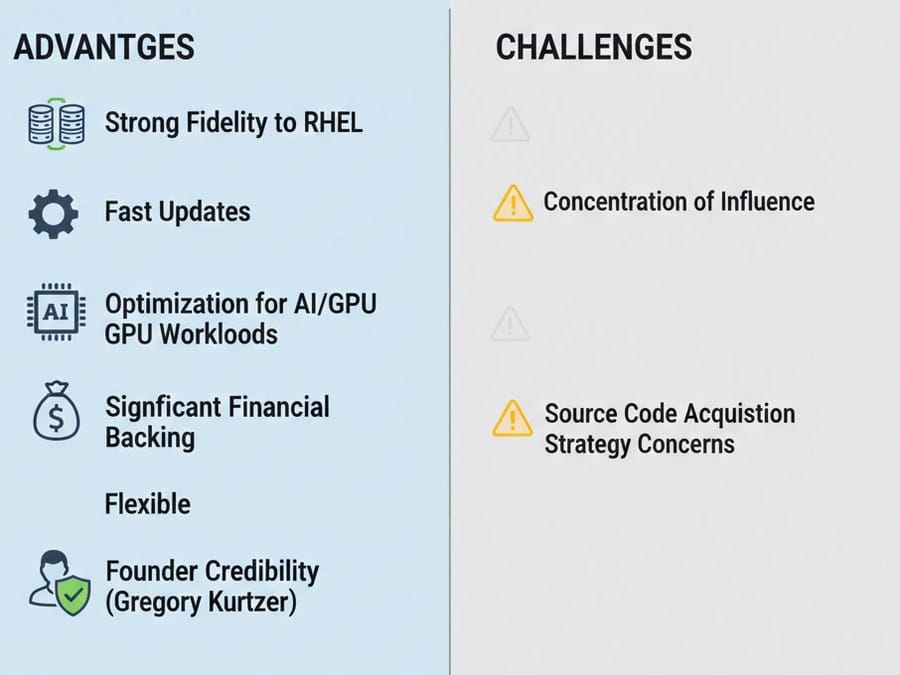
A major strength of Rocky Linux is the trust associated with the original CentOS founders and its emphasis on transparent public governance. This leads to several additional advantages:
-
Strong fidelity to RHEL: It delivers one of the closest possible experiences to classic CentOS and upstream RHEL.
-
Optimization for artificial intelligence workloads: If you work with AI or GPU intensive environments, Rocky Linux is often considered ahead in this area.
-
Significant financial backing: Strong funding enables faster feature development and investment in specialized tooling.
-
Founder credibility: For many users, the involvement of Gregory Kurtzer is itself a mark of confidence.
However, there are also potential concerns:
-
Concentration of influence: Some critics argue that strong ties to a single commercial entity could create governance risks in the future.
-
Source code acquisition strategy: Some observers believe that methods used to navigate Red Hat’s source access restrictions could pose long term legal or sustainability challenges.
Additionally, certain enterprise services such as cPanel have gradually reduced or discontinued support for Rocky Linux. In direct comparison, this gives AlmaLinux an advantage in specific hosting environments.
Migration Considerations: How to Move Without Headaches
If you are still running CentOS 7, which has already reached end of life, or if you are planning to move from another RHEL based distribution, the good news is that both projects have prepared solid migration paths. In 2026, migration is no longer like open heart surgery, but it still requires careful planning.
The Magic of ELevate in AlmaLinux
The AlmaLinux team developed a tool called ELevate, which many consider one of the most valuable contributions to the Linux community in recent years. This tool allows you to perform an in place upgrade from version 7 to 8, from 8 to 9, and even from 9 to 10.
Imagine you have a production server filled with custom configurations and databases. With ELevate, you no longer need to wipe everything and perform a fresh installation. The system can be upgraded while preserving your environment.
However, you should proceed carefully. Reports in 2026 highlight several important considerations when using ELevate:
-
Network configuration: Older network scripts from CentOS 7 may not fully align with newer networking frameworks. After migration, you may need to manually adjust network settings.
-
Third party repositories: If you rely on repositories such as EPEL or vendor specific repositories, make sure to back them up or disable them before starting the upgrade process.
-
SELinux configuration: When migrating to versions 9 or 10, it is often recommended to temporarily set SELinux to Permissive mode. After the system boots successfully, you can review and resolve any policy conflicts before returning it to Enforcing mode.
Proper testing in a staging environment is strongly advised before upgrading production systems.
Rocky Linux Migration Scripts
Rocky Linux provides a well known script called migrate2rocky.sh. This tool is ideal if you want to switch from a similar distribution, for example from RHEL 8 to Rocky Linux 8.
The migration process is typically fast, often taking less than 20 minutes. In most cases, it replaces repositories and branding while leaving your installed applications and configurations untouched.
This makes it especially attractive for administrators who want a clean transition without reinstalling or reconfiguring their workloads.
In both cases, the key to a smooth migration in 2026 is preparation. Always create verified backups, test the procedure in a non production environment, and document your existing configurations before making the move.
Final Verdict: Which One Should You Choose?
The reality is that there is no loser in this comparison. Both distributions are excellent, and both are worthy successors to the CentOS many of us relied on for years.
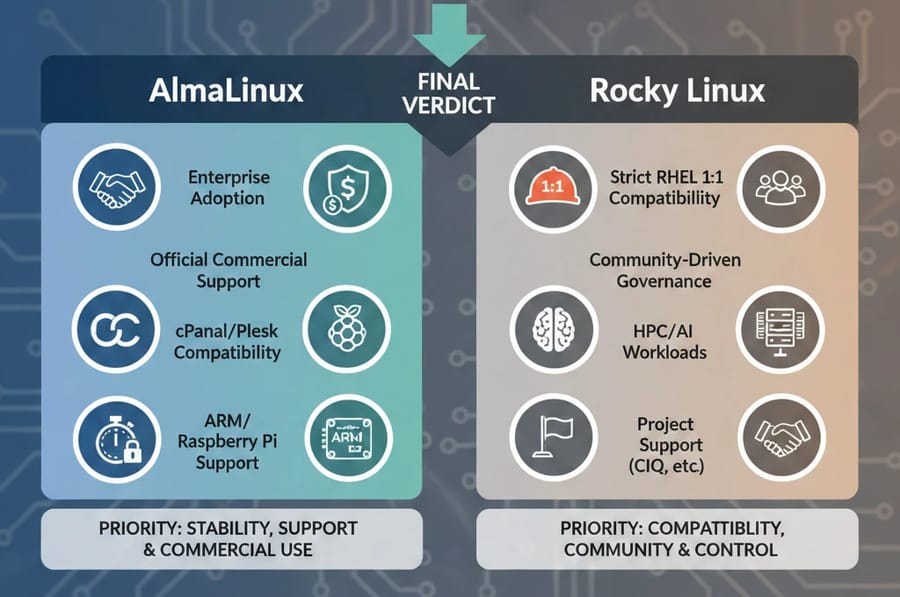
We recommend choosing AlmaLinux if:
You need a RHEL alternative that has strong enterprise and hosting market adoption, along with a clear and reliable commercial support path.
-
You require an official SLA and direct commercial support from CloudLinux, ensuring fast access to enterprise-grade assistance when issues arise.
-
You use cPanel or Plesk and prefer a distribution that is officially recommended and supported within those ecosystems.
-
Rapid security patch delivery is critical for your infrastructure, and you want updates as quickly as possible after RHEL releases them.
-
You need official ARM or Raspberry Pi support for broader hardware flexibility.
If operational stability, lower production risk, and a well-established commercial ecosystem are your priorities, AlmaLinux is the more pragmatic choice.
We recommend choosing Rocky Linux if:
You prefer a distribution that maintains the closest possible 1:1 binary compatibility with RHEL and follows a strongly community-driven governance model.
-
You are highly sensitive to exact, bit-for-bit compatibility with RHEL and want minimal deviation at the package level.
-
You operate in HPC, AI, or performance-intensive computing environments where consistency and predictability are critical.
-
You value project independence from direct corporate control and prefer a foundation-led development model.
-
You are comfortable relying on commercial support through ecosystem partners such as CIQ.
If strict RHEL reproduction and a traditional open-source governance philosophy matter more to you than commercial ecosystem positioning, Rocky Linux is a solid and professional choice.
Ready to Migrate?
As you have seen, choosing between AlmaLinux and Rocky Linux ultimately depends on your operational priorities, the level of support you expect, and your long-term infrastructure strategy. If you plan to run either of these distributions on a stable, production ready infrastructure, you can rely on our AlmaLinux VPS and Rocky Linux VPS services. These services are built with dedicated and reliable resources, high uptime, rapid deployment within minutes, full root access for professional management, and specialized technical support. This allows you to launch and scale your operational environment confidently and without hassle.

Leave A Comment