
Buy Windows 10 VPS with Remote Desktop Access
Access a familiar Windows 10 desktop on a remotely hosted virtual server with allocated CPU, RAM, and NVMe storage. Install compatible Windows applications, manage system settings with administrator access, and connect through Remote Desktop from supported devices.
- Full Administrator Access
- Pre-Installed Windows 10
- High-Speed NVMe Storage
- Remote Desktop Access
Compatibility notice: General support for standard Windows 10 editions ended on October 14, 2025. Choose Windows 10 only when your software or workflow specifically requires it. Update eligibility may depend on the installed edition, license, and Extended Security Updates status.
Windows 10 VPS Plans and Pricing
Compare four Windows VPS configurations with allocated CPU, RAM, NVMe storage, and Remote Desktop access. Select the resources and available server location that match your workload.
Windows VPS 1
Save 40 %$22.79/mo
Billed for 36 months
Normally $37.99
- CPU2 Core
- RAM4 GB DDR5
- Storage80 GB
- BandwidthUnlimited Europe & USA
- IP V41 Free
- IP V61 Free
Windows VPS 2
Save 40 %$36.59/mo
Billed for 36 months
Normally $60.99
- CPU4 Core
- RAM8 GB DDR5
- Storage140 GB
- BandwidthUnlimited Europe & USA
- IP V41 Free
- IP V61 Free
Windows VPS 3
Save 40 %$47.39/mo
Billed for 36 months
Normally $78.99
- CPU8 Core
- RAM12 GB DDR5
- Storage250 GB
- BandwidthUnlimited Europe & USA
- IP V41 Free
- IP V61 Free
Windows VPS 4
Save 40 %$56.39/mo
Billed for 36 months
Normally $93.99
- CPU8 Core
- RAM16 GB DDR5
- Storage300 GB
- BandwidthUnlimited Europe & USA
- IP V41 Free
- IP V61 Free




What Is a Windows 10 VPS?
A Windows 10 VPS is a virtual private server configured with the Windows 10 operating system and accessible through Remote Desktop Protocol. It provides an isolated Windows environment with allocated CPU, RAM, storage, and network resources.
With administrator access, you can install compatible applications, configure system settings, manage files, and keep supported workloads running independently of your local computer.
A Windows 10 VPS is primarily suitable for software compatibility, remote desktop workflows, testing, automation, and applications that specifically require Windows 10. Because general support for standard Windows 10 editions ended on October 14, 2025, users planning a new deployment should also compare currently supported Windows VPS hosting options.
Windows 10 VPS Use Cases
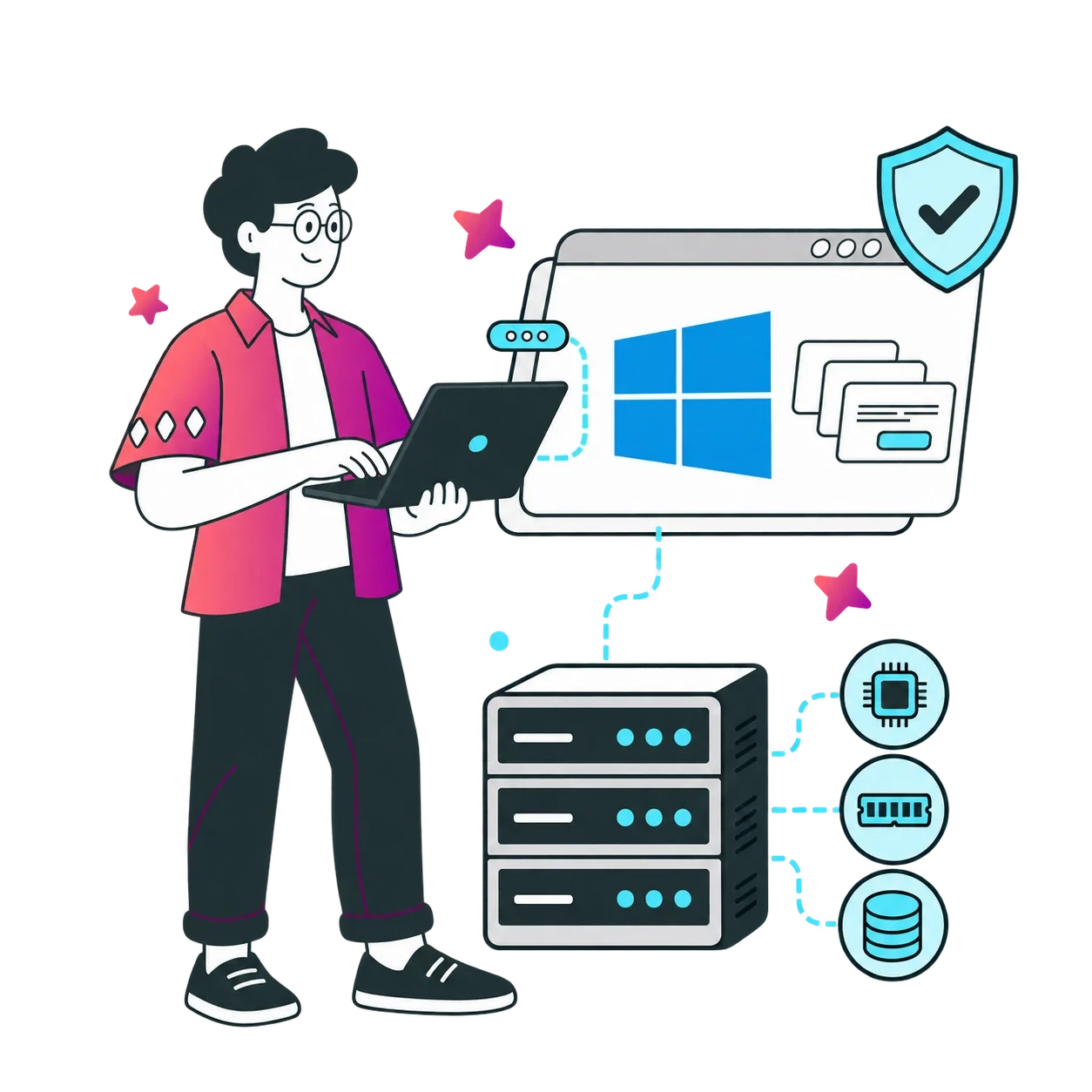
A remote Windows environment for compatibility-focused applications, persistent workloads, testing, and everyday desktop access.
Remote Desktop Workspace
Access files and compatible Windows applications from supported devices through Remote Desktop.
Development and Testing
Build an isolated Windows environment for application testing, debugging, browser automation, and QA workflows.
Trading Platforms
Keep compatible trading terminals, monitoring tools, and automated strategies running independently of your local device.
Business Applications
Run compatible CRM, accounting, reporting, and productivity applications in a remotely accessible environment.
Automation Workloads
Operate supported scripts, scheduled tasks, monitoring tools, and browser-based automation around the clock.
Training Environments
Provide a consistent Windows 10 environment for demonstrations, software training, and compatibility-based instruction.
Choose a Windows VPS Location
Select an available data center near your users, applications, or trading platform to help reduce network latency. Location availability may vary by plan and configuration.



99.99%
UPTIME
100%
INDEPENDENT
37
LOCATION


Why Choose 1Gbits for Windows 10 VPS?
Get a remotely accessible Windows environment with flexible resources, multiple server locations, and support available around the clock.
Familiar Windows Desktop
Work through a familiar Windows 10 interface and install applications compatible with the available edition.
Multiple Server Locations
Choose from available data centers across several regions based on latency and workload requirements.
Administrator Access
Install software, manage users, and configure permitted system settings with full administrator access.
Isolated VPS Environment
Your virtual machine is isolated from other VPS instances and receives the resources defined by its plan.
NVMe-Based Storage
Run applications and manage files on fast storage designed for responsive everyday VPS workloads.
For workloads where storage performance is the primary requirement, compare our dedicated NVMe VPS configurations.
Flexible Resource Upgrades
Move to a larger configuration when your workload requires additional CPU, RAM, or storage.
Everything Included with Your Windows 10 VPS
Review the core server features and optional services available with your selected configuration.
Allocated VPS Resources
Receive the CPU, RAM, and storage capacity listed in your selected plan.
NVMe Storage
Use fast storage designed to improve application loading and file operations.
Resource Upgrades
Move to a higher configuration when your workload needs additional capacity.
Additional Storage
Expand storage where supported by the selected location and configuration.
Compare Windows VPS Operating Systems
Choose a Windows operating system based on software compatibility, support lifecycle, interface requirements, and intended workload. Windows 10 is primarily intended for applications and established workflows that specifically require it.
Is Windows 10 the Right Choice for Your VPS?
Choose Windows 10 when an application, testing environment, or established workflow specifically requires this operating system. Its familiar desktop and broad compatibility with older Windows software can make it useful for compatibility-focused workloads.
For a new environment that does not depend on Windows 10, consider a supported Windows desktop or Windows Server release. Windows 11 is generally more appropriate for modern desktop workflows, while Windows Server 2022 or Windows Server 2025 may be better suited to production server applications.
Before ordering, confirm:
- The exact Windows edition available with your selected plan
- The licensing and activation terms
- Whether security updates or Extended Security Updates apply
- Compatibility with the software you intend to install
- The available data centers and resource configurations
Windows 10 VPS FAQs
Find answers about Windows 10 support, Remote Desktop access, administrator permissions, upgrades, security, and backups.
A Windows 10 VPS is a remotely hosted virtual machine that runs Windows 10 and can be accessed through Remote Desktop. It provides allocated CPU, RAM, storage, and administrator-level control within the limits of the service.
General support for standard Windows 10 editions ended on October 14, 2025. Update availability after that date depends on the installed edition, licensing, and eligibility for Microsoft’s Extended Security Updates program. Confirm these details before using Windows 10 for sensitive or production workloads.
Choose Windows 10 when your application, testing process, or existing workflow specifically requires it. For a new desktop deployment without a Windows 10 dependency, a supported Windows 11 environment is generally the better option.
Yes. Administrator access allows you to install compatible software, manage users, and configure permitted operating-system settings. You remain responsible for application licensing, server configuration, passwords, updates, and data protection unless a managed service states otherwise.
Use a compatible Remote Desktop client and enter the server IP address, username, and password provided after deployment. RDP clients are available for Windows and several other desktop and mobile platforms.
Yes, provided the software is compatible with Windows 10, fits within the server’s resources, complies with the acceptable-use policy, and is properly licensed.
Available upgrade options depend on the selected plan and location. Contact support or check the customer dashboard to confirm whether you can increase CPU, RAM, or storage and whether the upgrade requires a restart or migration.
It can run Windows-compatible trading terminals and monitoring tools continuously, subject to sufficient resources and network connectivity. A VPS cannot guarantee trading results, execution speed, or uninterrupted access to third-party broker platforms.
A VPS provides an isolated virtual environment, but security also depends on how it is configured and maintained. Use a strong unique password, restrict RDP access where possible, apply available security updates, configure firewall rules, and keep independent backups.
Backup availability depends on the selected plan and optional services. Even when a provider backup is available, maintain a separate copy of important files and verify that your backups can be restored.
1Gbits Customer Reviews
Read verified feedback from customers using 1Gbits services, or submit your own review through the customer dashboard.
 Margo NJohn S