
Call of Duty 4 Server Hosting Low-Latency Infrastructure. Full Server Control.
Deploy a self-managed Call of Duty 4: Modern Warfare server on VPS or dedicated infrastructure with full root or administrator access, NVMe storage, scalable resources, and a choice of global server locations.
Choose Your COD4 Server Hosting Plan
Choose a VPS for a private server, clan environment, or a small number of lightweight game instances. Select dedicated infrastructure when you need more predictable CPU resources, multiple server instances, or additional room for growth.
Game VPS1
Save 40 %$21.29/mo
Billed for 36 months
Normally $35.49
- CPU2 Core
- RAM4 GB DDR5
- Storage80 GB
- BandwidthUnlimited Europe & USA
- IP V41 Free
- IP V61 Free
Game VPS 2
Save 40 %$25.49/mo
Billed for 36 months
Normally $42.49
- CPU4 Core
- RAM6 GB DDR5
- Storage100 GB
- BandwidthUnlimited Europe
- IP V41 Free
- IP V61 Free
Game VPS 3
Save 40 %$34.19/mo
Billed for 36 months
Normally $56.99
- CPU4 Core
- RAM8 GB DDR5
- Storage100 GB
- BandwidthUnlimited Europe & USA
- IP V41 Free
- IP V61 Free
Game VPS 4
Save 40 %$50.99/mo
Billed for 36 months
Normally $84.99
- CPU6 Core
- RAM12 GB DDR5
- Storage120 GB
- BandwidthUnlimited Europe & USA
- IP V41 Free
- IP V61 Free
Game VPS 5
Save 40 %$68.09/mo
Billed for 36 months
Normally $113.49
- CPU6 Core
- RAM16 GB DDR5
- Storage140 GB
- BandwidthUnlimited Europe & USA
- IP V41 Free
- IP V61 Free
Game VPS 6
Save 40 %$136.19/mo
Billed for 36 months
Normally $226.99
- CPU8 Core
- RAM32 GB DDR5
- Storage160 GB
- BandwidthUnlimited Europe & USA
- IP V41 Free
- IP V61 Free
What Is a COD4 Server?
A COD4 server is a self-hosted multiplayer environment that gives you control over maps, game modes, player access, administrative permissions, server rules, and compatible community modifications.
Hosting your own COD4 server is suitable for:
- Private matches with friends
- Clan practice and scrims
- Promod and competitive environments
- Public community servers
- Custom maps and game modes
- Multiple COD4 server instances
1Gbits provides the VPS or dedicated server infrastructure. You are responsible for obtaining the required game files, installing the server software, and configuring your game environment.
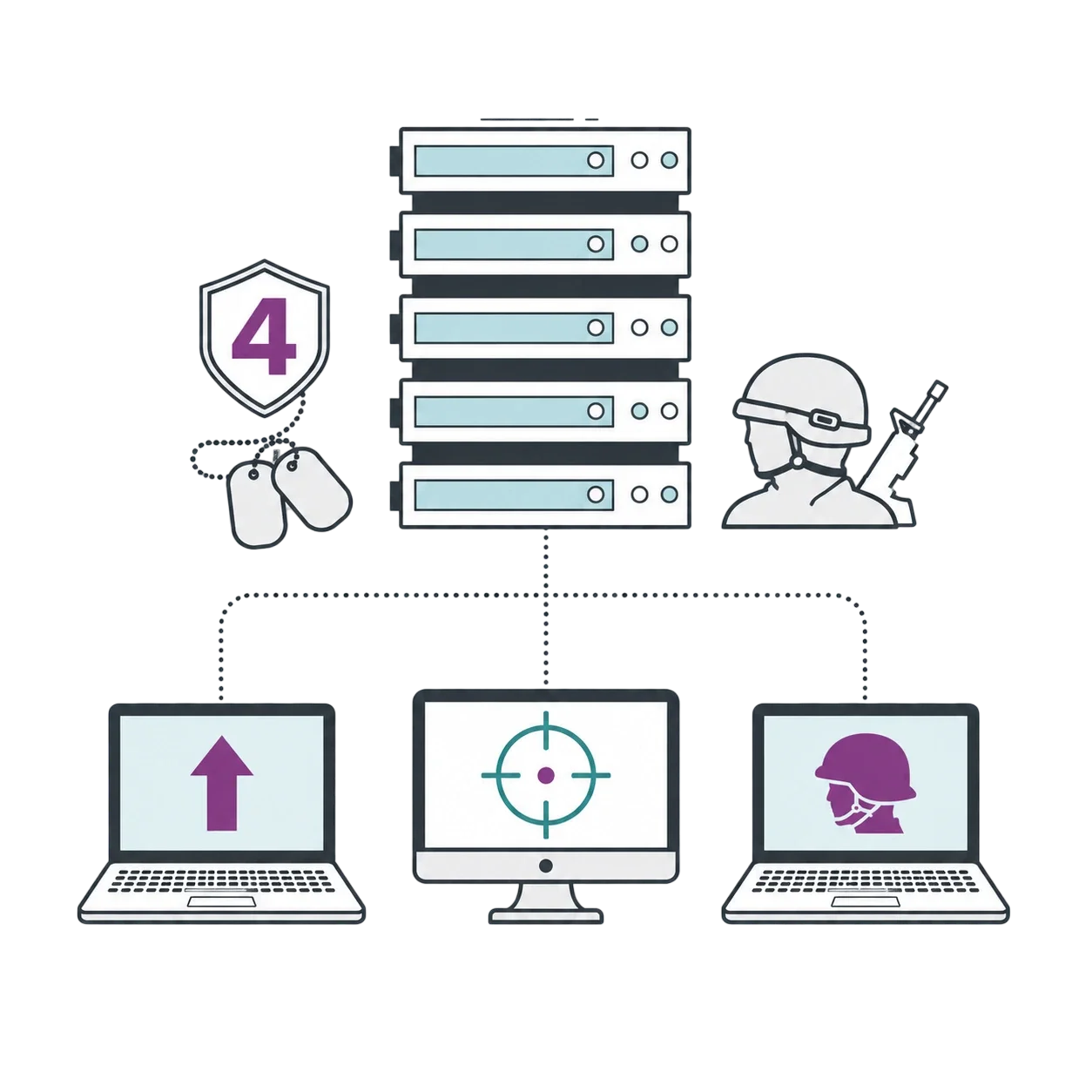
Everything You Need to Run Your COD4 Server
Get the performance, access, and flexibility required to build a private server, competitive clan environment, public community, or customized COD4 experience.
High-Clock CPU Performance
Choose configurations with strong single-core performance to help maintain responsive game-server operation during active matches and modded workloads.
Enterprise NVMe Storage
Store server files, custom maps, mods, logs, and configurations on NVMe storage for responsive file access and faster loading operations.
Scalable Server Resources
Increase available resources as your workload grows. Upgrade options vary by product, location, and current server configuration, and some changes may require migration.
VPS & Dedicated Infrastructure
Start with a VPS for a private or lightweight community server. Choose dedicated infrastructure for multiple instances, heavier workloads, or more predictable access to CPU resources.
Popular Uses for COD4 Servers
From private clan practice to public community environments, a self-managed COD4 server can be configured for a variety of multiplayer use cases.
Private Clan Servers
Create a controlled environment for private matches, clan practice, scrims, and organized training sessions with your own maps, rules, and access permissions.
Public Community Servers
Run a public server with your own rules, map rotation, player permissions, compatible mods, and administrative team.
Competitive and Promod Servers
Configure a controlled environment for Promod matches, clan competitions, organized events, and tournament practice.
How to Set Up a COD4 Server on 1Gbits
Setting up a self-managed COD4 server involves choosing the infrastructure, securing the operating system, adding the required game files, configuring the server, and testing player connectivity.
- Step 1: Choose a Server and Location - Select a VPS or dedicated server according to your expected workload, number of server instances, preferred operating system, budget, and the location of your main player base.
- Step 2: Deploy and Secure the Operating System - Install Windows or Linux, apply available security updates, configure administrator access, restrict unnecessary services, and prepare the required firewall rules.
- Step 3: Add the Required Game Files - Upload your legally obtained Call of Duty 4 game files. Choose whether to run the original 1.7 server environment or install CoD4x, a community-maintained CoD4 server modification, using compatible server binaries.
- Step 4: Configure the Game Server - Create your server configuration, select maps and game modes, define player and administrator settings, and install compatible mods where required.
- Step 5: Configure Network Access - Allow the required game-server traffic through the firewall and confirm that external players can reach the server.
- Step 6: Test, Launch, and Monitor - Test client compatibility, maps, mods, permissions, and performance before opening the server publicly. Monitor CPU, memory, and network usage and review available upgrade or migration options when necessary.
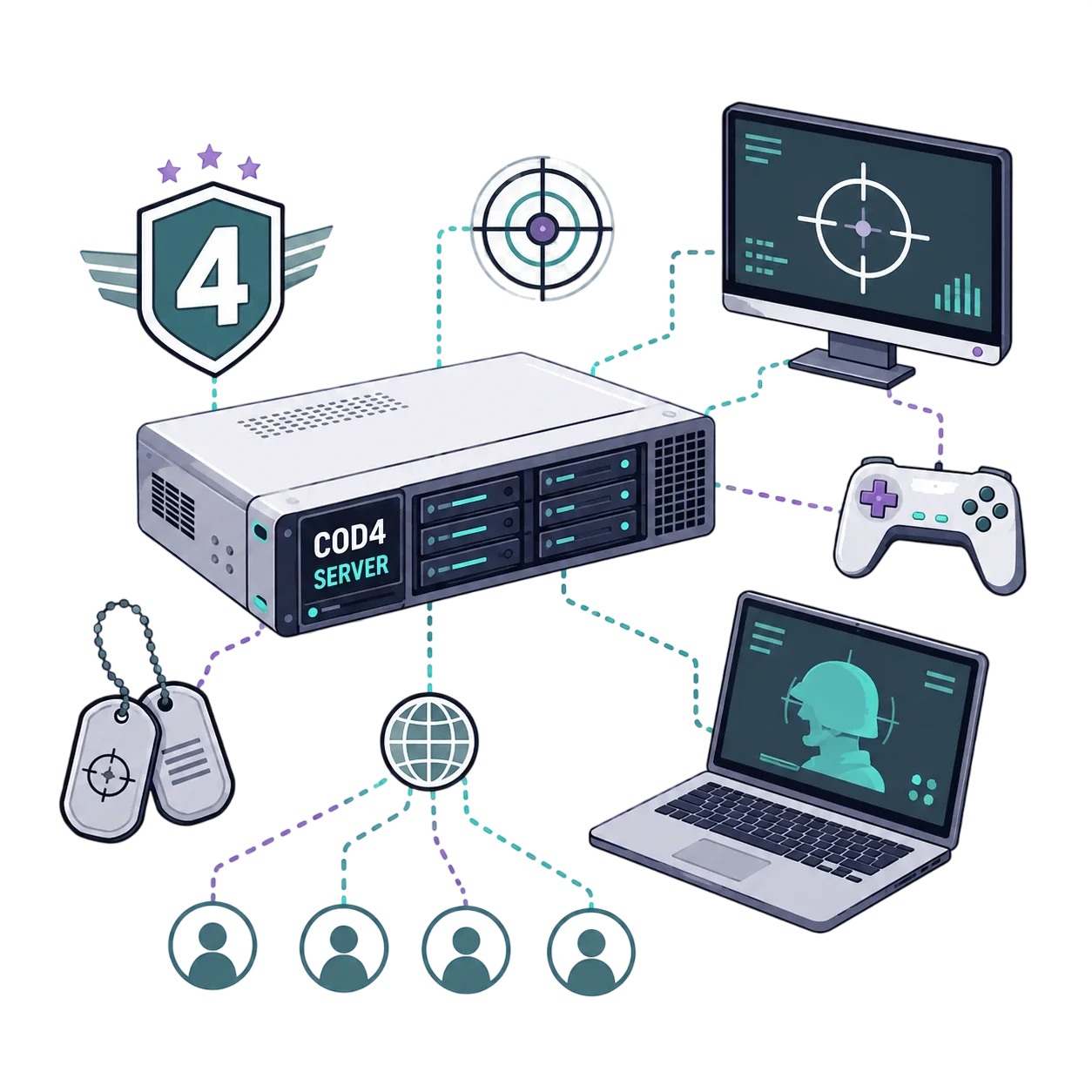
COD4 Server Resource Guidelines
COD4 servers are generally lightweight, but there is no fixed CPU or RAM requirement for every setup. Actual resource usage depends on player count, mods and scripts, operating-system overhead, background services, and the number of simultaneous server instances. Start with a suitable VPS and monitor real CPU, memory, and network usage before upgrading.
COD4 Server Hosting FAQs
Find answers about server versions, hosting types, administrative access, game files, mods, latency, upgrades, and technical support.
Yes. You can configure a compatible Windows or Linux environment for the original Call of Duty 4 1.7 server or install CoD4x, a community-maintained CoD4 server modification. Client and mod compatibility depends on the base game files, server binaries, client version, and configuration you use.
A VPS is usually a suitable starting point for a private server, clan environment, or a small number of lightweight instances. Dedicated infrastructure is more appropriate when you need multiple instances, heavier mod stacks, or more predictable access to CPU resources.
There is no universal player limit based only on RAM or CPU-core count. Capacity depends on CPU performance, server configuration, mods, scripts, operating-system overhead, network conditions, and the number of simultaneous instances. Start with an appropriate configuration and monitor actual resource usage during active matches.
You have administrative access to install compatible mods, scripts, and custom maps, including community configurations such as Promod and GunGame. Compatibility depends on your server version, operating system, game files, and the requirements of each modification.
Choose a server location close to the majority of your players, avoid CPU and network saturation, monitor packet loss, and keep your configuration stable. Each player’s ISP, physical location, and network route also affect the final ping.
DDoS protection is recommended for public, competitive, or frequently targeted servers. Availability and coverage vary by product and location. Mitigation can reduce the impact of supported attacks but cannot guarantee uninterrupted availability in every situation.
A VPS is usually sufficient for private servers, clan environments, and lightweight public instances. Consider dedicated infrastructure when measured CPU usage, multiple instances, heavier mods, or additional services require more predictable resources.
Provisioning time depends on the selected product, location, configuration, and payment verification. VPS services are generally delivered faster than custom dedicated-server configurations. Review the estimated delivery time shown for the selected plan.
Available VPS resources can often be increased as your workload grows. Moving to another platform or dedicated server may require data migration, temporary downtime, configuration changes, or an IP-address change. Maintain current backups before any migration.
Eligible VPS and dedicated server plans include root access on Linux or administrator access on Windows. Confirm the access level shown in the specifications of your selected product before ordering.
The standard service provides self-managed VPS or dedicated server infrastructure. You receive control of the operating system, but you are responsible for installing and configuring Call of Duty 4, CoD4x, mods, maps, and server settings. Any managed assistance must be explicitly included in your selected plan.
No. You must provide legally obtained base game files and comply with the applicable software license and terms. 1Gbits provides the hosting infrastructure and does not distribute a licensed copy of the game.
Standard technical support covers hosting-related issues such as server access, network availability, operating-system availability, account questions, and infrastructure faults. Installation of the game, mods, custom maps, and gameplay configuration is not included unless your plan explicitly states otherwise.
Original COD4 1.7 and CoD4x Server Compatibility
You can configure your hosting environment for the original Call of Duty 4 1.7 server or install CoD4x, a community-maintained CoD4 server modification that uses compatible base game files.
Original COD4 1.7
The original 1.7 environment is commonly used by legacy and competitive communities that rely on established server configurations and compatible client files.
CoD4x Server
CoD4x extends the original server with community-maintained bug fixes and additional functionality. It is not an official Call of Duty game version. Server binaries are available for Windows and Linux, while compatibility depends on your base game files, client version, mods, and server configuration.
Avoid Version Mismatches
Choose one server environment before launch and confirm which version your players use. Keep your server files consistent, verify the compatibility of each mod and custom map, and test configuration changes before opening the server to the public.
Windows or Linux for COD4 Hosting?
Both operating systems can support compatible COD4 server environments. Linux is suitable for administrators who prefer command-line management and lower operating-system overhead. Windows may be more familiar to users who rely on graphical administration tools.
Choose the operating system you can secure, update, and manage reliably. Available operating-system options may vary by hosting plan.
COD4 Mods and Custom Maps
Administrative access lets you install compatible community content and configure the server around your preferred gameplay style.
Common community configurations include:
- Promod
- GunGame
- Deathrun
- Sniper-only configurations
- Custom hardcore modes
- Custom maps and map rotations
- Community scripts and server configurations
Compatibility depends on your selected COD4 or CoD4x environment, operating system, base game files, and the requirements of each modification. Mods and custom maps are not preinstalled unless explicitly stated in the selected hosting plan.
Test Changes Before Public Launch
Test new mods, scripts, and custom maps in a private environment before using them on a public server. Keep backups of known working configuration files so you can restore the server after an incompatible change or failed update.
What Can Affect Server Responsiveness?
Poor server performance is not caused by one resource alone. Common factors include:
- CPU saturation or resource contention
- Too many simultaneous server instances
- Heavy or poorly configured mods and scripts
- Network congestion, packet loss, or inefficient routing
- Background processes consuming server resources
- Incorrect game-server or operating-system settings
Choose a Location Near Your Players
Select a server location close to the majority of your players to reduce network distance. When players are distributed across several countries, choose a central available location and compare latency tests before ordering.
No hosting provider can guarantee the same ping for every player. Final latency also depends on each player’s ISP, physical location, network route, and local connection quality.
1Gbits Customer Reviews
See how customers use 1Gbits infrastructure to host, manage, and scale their game-server environments.
 Emily CDaniel B